

5 Hidden Gemini Features You Didn’t Know — Unlock AI Power to Work 10x Faster

Most people use Gemini only for asking questions or generating text.
But in reality, Gemini has hidden capabilities that can make your work faster, smarter, and far more automated — features many users still haven’t explored.
Let’s dive into the powerful features you may be missing 👇
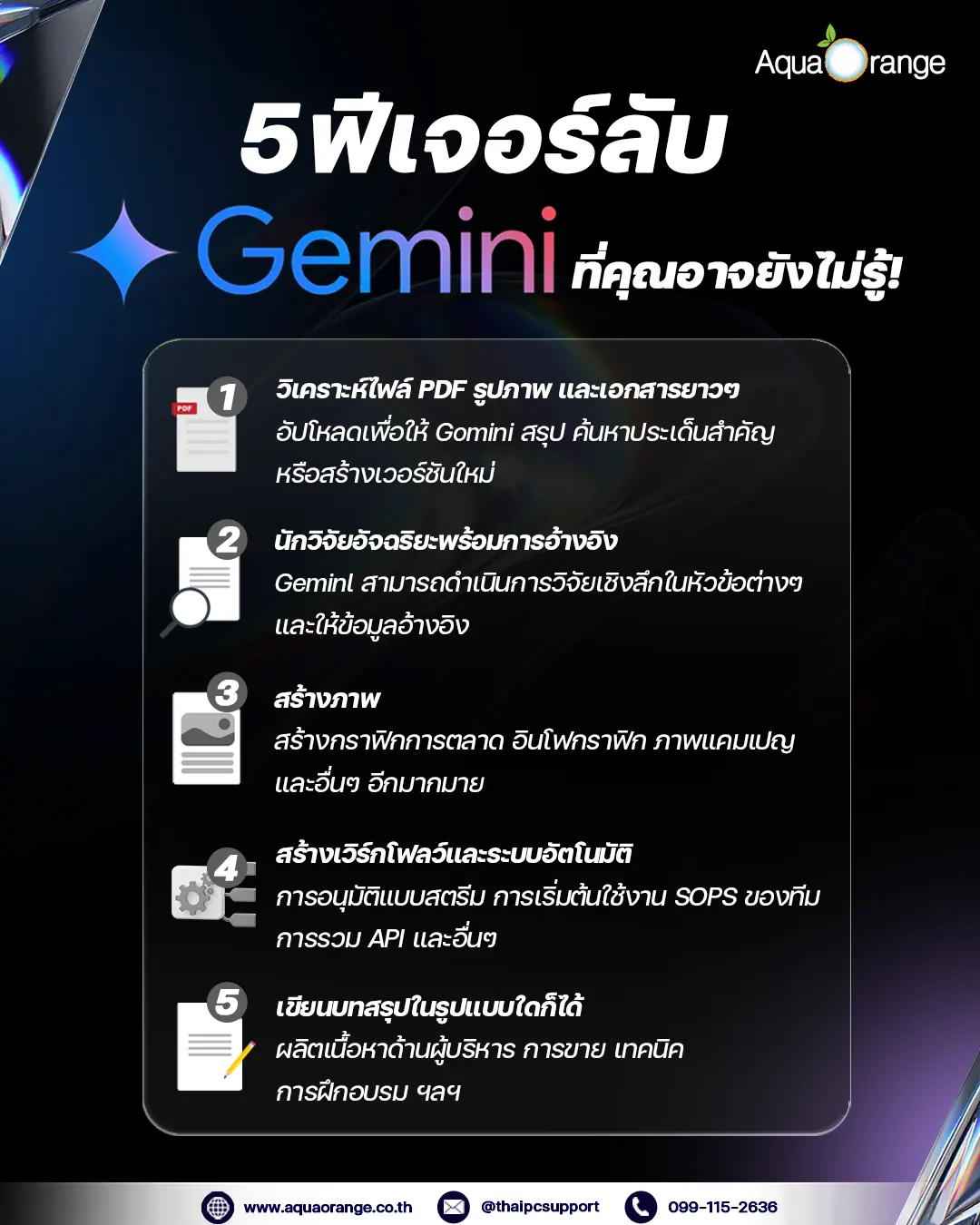
1. Instantly Analyze Long PDFs, Images, and Complex Documents
Gemini isn’t just for text — it can understand and analyze uploaded files such as:
- PDF reports
- Photos of documents
- Bills, receipts, quotationsสลิป/บิล/ใบเสนอราคา
- PPT slides
You can ask Gemini to:
- Summarize
- Translate
- Extract key points
- Detect errors
- Rewrite or create new versions
—all in seconds.
Example Prompt:
“Summarize this PDF in 5 key points and highlight the important risks.”
2. Use Gemini as a Smart Researcher — Deep Research With Citations
Gemini can perform in-depth research, perfect for business strategy, academic work, or market analysis.It can handle:
- Competitor analysis
- Research reports
- Contextual translations
- Weekly industry news summaries
- Trend analysis
Ideal for executives, market research, sales teams, strategy teams, and PMs.
Example Prompt:
“Analyze the cybersecurity market in SEA for 2025 and summarize trends from 5 reliable sources.”
3. 3. Generate Images With Gemini (Image Generation)
Yes — Gemini can create images, similar to DALL·E or Midjourney.
Use it to produce:
- Marketing artwork
- Social media graphics
- Infographics
- Concept illustrations
Campaign visuals
Example Prompt:
“Create a tech-style Google Workspace promotion artwork in blue tones.”
4. Build Workflows and Automation for Your Business
Gemini can also act as your process designer.
It can help create:
- Document approval workflow
- Employee onboarding steps
- IT Team SOP
- API integration scripts
- Prompt templates for repetitive work
A powerful tool for IT, operations, and business teams.
Example Prompt:
“Create an Incident Management workflow for a cybersecurity team with a 5-step SOP.”
5. Write Summaries in Any Style — Business, Creative, Technical, or Executive
Gemini understands tone of voice, making it useful for producing:
- Executive tone
- Sales tone
- Teaching tone
- Formal tone
- Funny tone
- Technical analysis tone
So you can use it to do:
- Executive Report
- Meeting summary
- Social content
- Marketing content
- Internal documents
Example Prompt:
“Write a one-page executive summary report from this text, with clear bullet points.”
Bonus: Secret command that instantly makes Gemini smarter
Try typing the word:
🧩 “Think step-by-step”
🧩 “Explain your reasoning but keep the output concise”
You will instantly get more accurate, deeper, and more systematic answers.
Conclusion: You haven’t used Gemini at 50% of its power yet!
Many people use Gemini as a Q&A tool, but in reality, it can be a data analyst, AI secretary, researcher, visual designer, and business consultant all rolled into one.
Using these features will help you work 5–10 times faster than before.
Give these features a try and you’ll find that Gemini is much more capable than you think!
If you’re looking for a reliable partner for your Google Workspace and Gemini Tools deployment in Thailand, AquaOrange is here to help you every step of the way.
Contact AquaOrange at: 099-115-2636
or visit our website: https://www.aquaorange.co.th/google-workspace/

 27 March 202551
Explore Gemini Tools Summer 2025 updates—AI in Gmail, Docs, Sheets & more. Start with AquaOrange, Google Premier Partner in Thailand.
 17 February 202564
Compare Zoho Mail with Gmail and Microsoft 365 Mail. Discover its advantages in security, pricing, and seamless integration with Zoho Suite for businesses.
 29 January 202567
In today’s digital world, advertising on platforms like Google has become essential for businesses of all sizes. Whether you’re looking to increas
 6 January 202585
As businesses increasingly adopt cloud-based solutions to streamline operations and enhance collaboration, Google Workspace (formerly G Suite) has bec
 25 September 202495
In the evolving landscape of education, technology has become a pivotal element in facilitating enhanced learning experiences. Google Workspace for Education stands at the forefront
 12 September 2024101
Discover how Google Workspace empowers remote teams with real-time collaboration, seamless communication, and robust security. Learn how these tools enhance productivity and support effective teamwork across different locations.